2026 / 08 / 14
— New release
0.84.2®
Full-screen transcript search, configurable defaults, and a faster Mistral path.
$ pi update  Bitlab
 Bitlab pairs the lightweight Pi agent runtime with a local-first workspace that feels quick, clear, and easy to use — sessions, files, and credentials stay on your machine.
Desktop · WebUI / Open source under Apache-2.0
Move from conversation to finished artifacts, connect the tools you already use, and keep reusable workflows close at hand — all inside Bitlab.
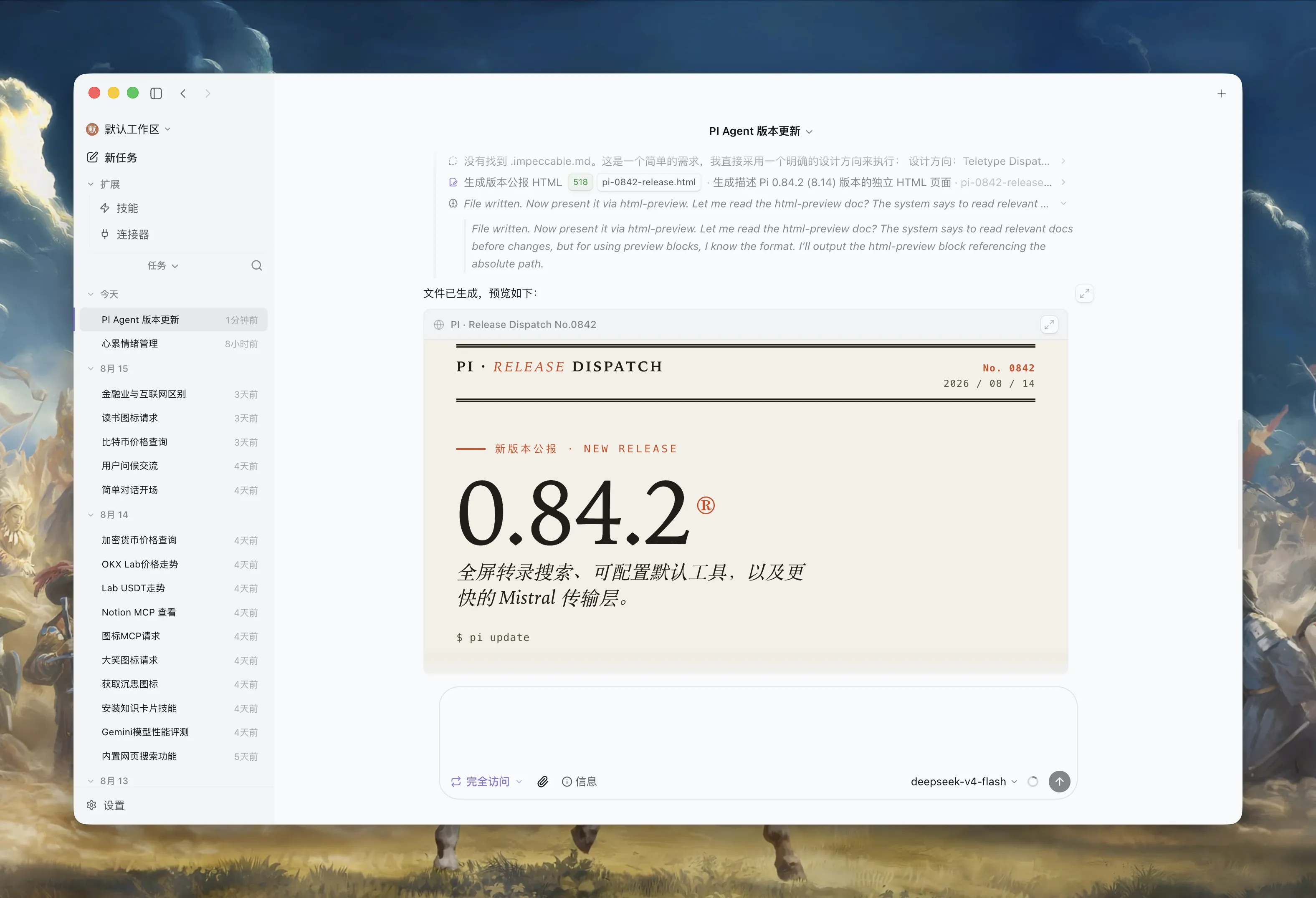
Follow the agent’s progress, inspect its file operations, and preview the finished result without leaving the session.
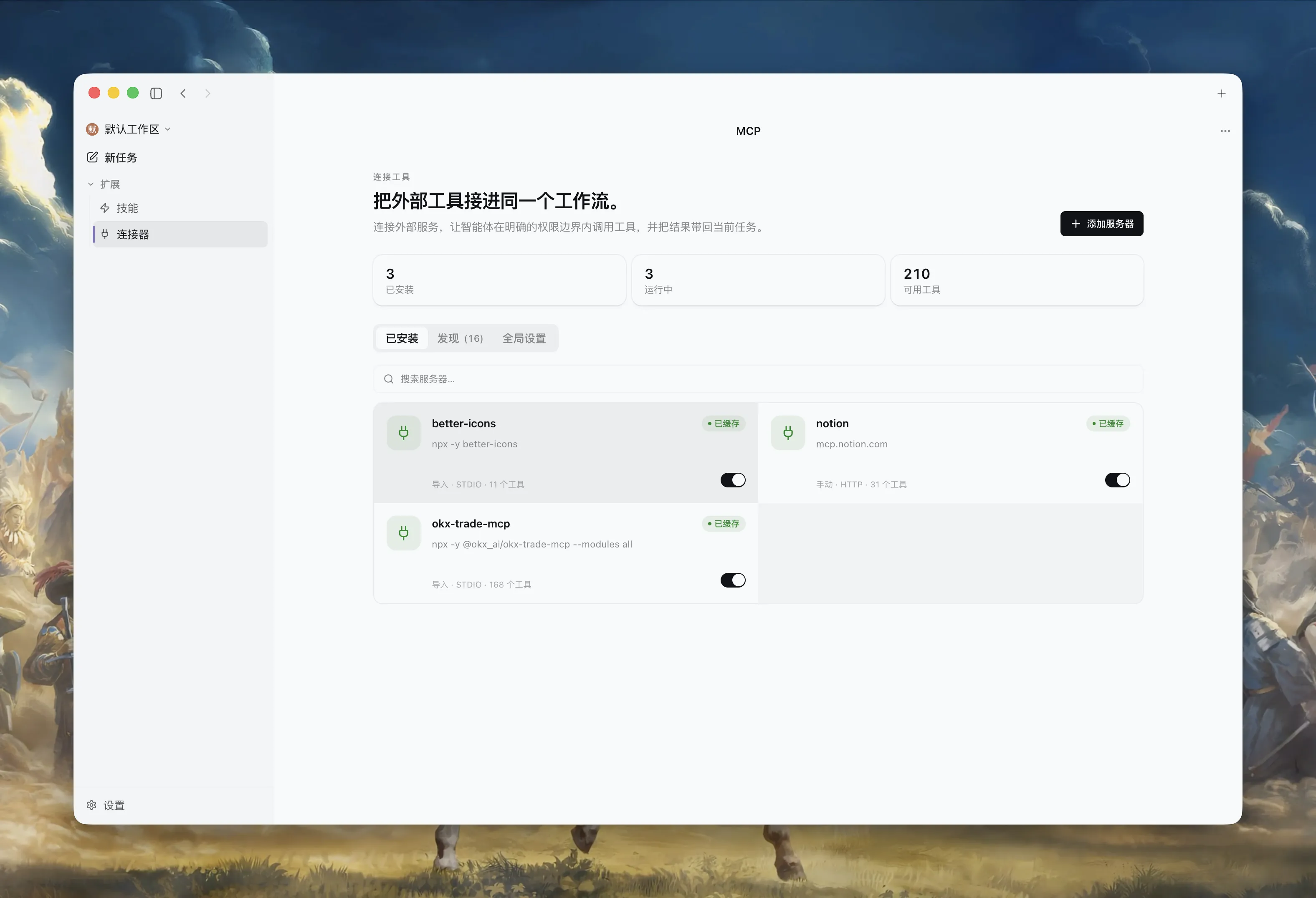
Manage MCP servers, tool availability, and connection status from one clear workspace.
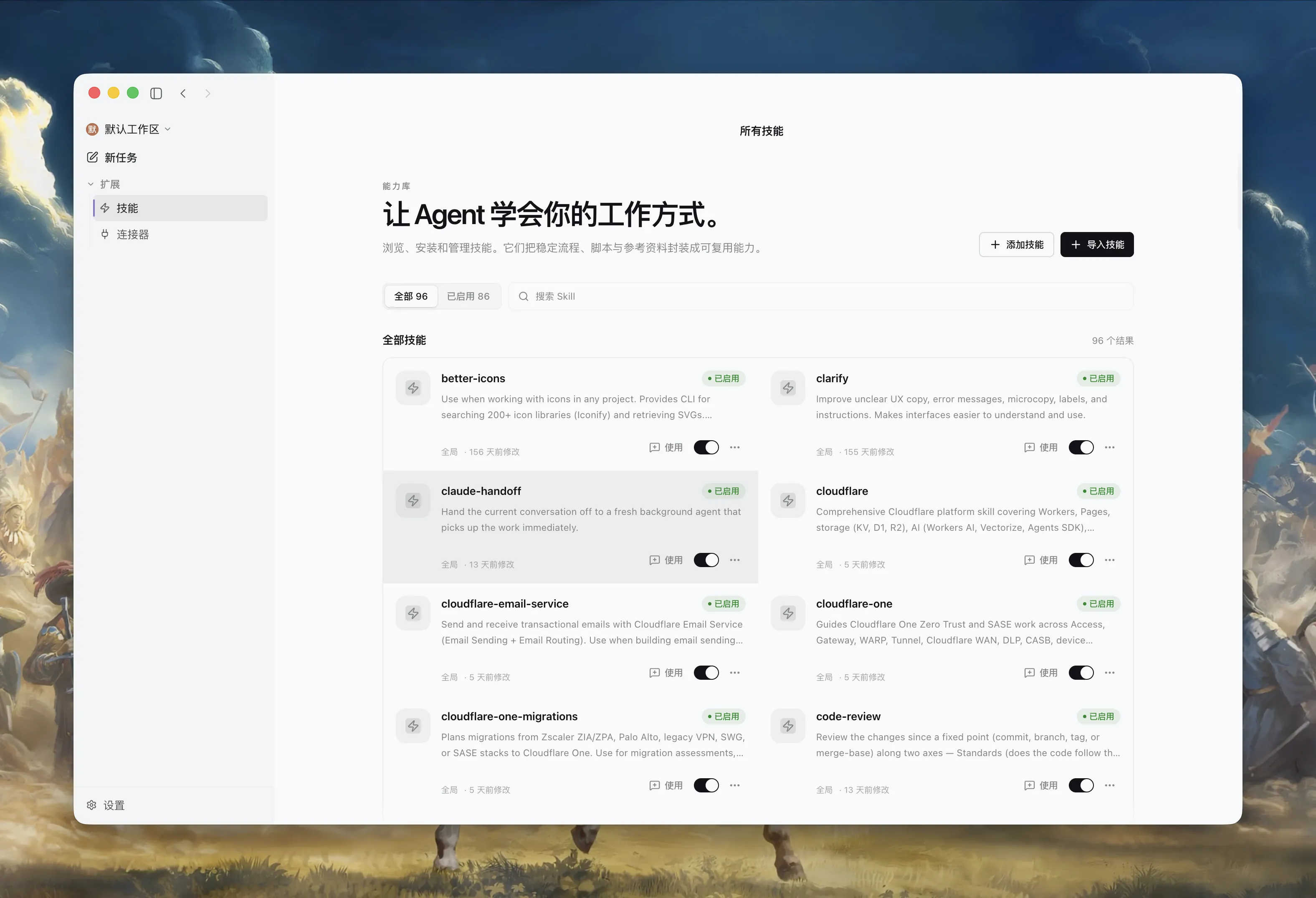
Browse, import, and enable Skills that package trusted instructions, scripts, and references.
Pi handles the agent loop. Bitlab gives it a calm home: local-first workspaces, explicit permissions, model connections, MCP servers, Skills, plus a browser and office tools built in.
Sign in with ChatGPT Plus, use API keys for providers such as OpenAI or Anthropic (Claude), connect OpenAI- or Anthropic-compatible endpoints, or run local Ollama models. One picker sets the connection, model, and thinking level — and remembers your choice.
Add Model Context Protocol servers per workspace over stdio, SSE, or streamable HTTP. Remote servers authorize over OAuth and refresh their own tokens; tools from an untrusted server ask before they run.
Package instructions, scripts, and references as Skills in the open Agent Skills format — the same Skill also loads in Codex and Claude Code. Pick one from the chat, or let the model find it when the task fits.
The agent researches, fills forms, and extracts data in a browser pane beside the chat, with web search ready out of the box. Document tools handle PDF, Word, Excel, and slides, so everyday office work gets done without switching apps.
Good agent software should get out of the way quickly — then remember where you left off.
Download the latest release, or explore the source behind Bitlab and its Pi-powered runtime.